

Going Live for Music Channels
Some of your most dedicated fans subscribe to your channel to stay close to the music. Going live on YouTube can give them a front row seat to your biggest music moments, in real time.

Link to Youtube Video (visible only when JS is disabled)

Going Live on YouTube for the first time? Enable live streams by verifying your account at least 24 hours before you plan to go live.
HOW: Go to Create (+) → Select Go Live → Click Enable and verify your account with your phone number.
Your Live Quick-Start Guide
Just getting started and focusing on the essentials?
Consider these first steps:
Pre-Release
Before a new video or live stream
- Set a Premiere for your new music video or upload.
- Make a new release moment with a live stream before or after your music video Premiere.
- Set up Live Redirect to seamlessly connect fans between your live stream and Premiere.
Release Day
“Game day” or the day your new video comes out
- Go live before or after your
video Premiere.
- Interact with fans by pinning and replying in the live chat and comments.
Post-Release
After your video Premiere
- Make your stream available as an
on-demand video. Your live streams can add depth to your visual storytelling around a release, so allow fans to dive deeper even after the stream is done.

PRO TIP
Test your live stream in an unlisted stream before your go-live date, especially for high production or high investment events.

Why Going Live on Youtube?
YouTube’s live features not only connect you with your existing audience, but also allow you to:
-
Customize Your Stream
Create live content to your desired scale and production level.
-
Deepen Fandom
Immerse fans in a live experience that builds on your music’s visual storytelling and allows you to engage with them in real time.
-
Expand Your Reach
Boost discovery and expand the life of your live content across formats. Your stream may also appear on youtube.com/live.
-
Boost Monetization
Use shopping features, supers and turn on ads for your live streams to earn revenue. Learn more about monetizing your live stream.


More and more, fans are eager for live experiences. On average, over 30% of daily logged-in YouTube viewers watched live content in Q2 2025 alone.*
When building your live strategy, decide what you want to go for...
-
Casual Live Stream
Low-lift, relatively consistent and targeted towards your core fanbase.
-
Tentpole Events
Built around a major moment, intended for a broad audience, and typically involves planning and promotion.


…and how you want to go live.
Horizontal Live Streams
Traditional, likely what you think of streaming on YouTube
More and more, fans are enjoying their favorite music moments on TV screens. Horizontal streams can give fans flexibility in how they want to tune in.
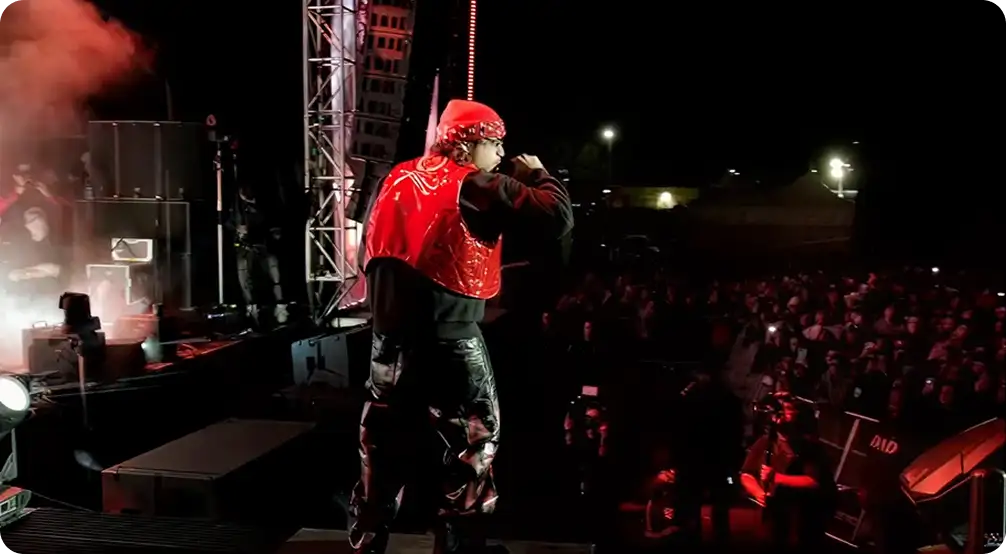
The label STREET MOB live streamed their DON’T FALL IN LOVE festival for fans to tune in from all over the world.
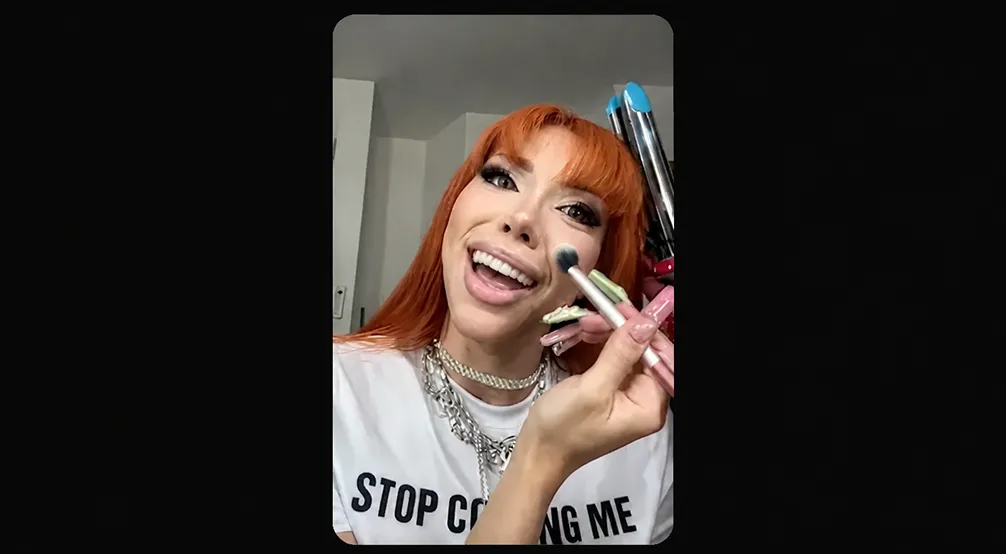
Yeri Mua hosted a “get ready with me”-style vertical stream to chat candidly with fans before the release of ‘De Chava (Deluxe).’
Vertical Live Streams
Unlike horizontal streams, also appear in the YouTube Shorts feed for mobile viewers
Stream Across Formats
(Available on Desktop)
If you’re already planning to do a horizontal stream, enable dual streaming to maximize your reach.
Live stream simultaneously in both vertical and horizontal formats through a single broadcast. Fans are able to join the same chat, regardless of the device they’re watching from.
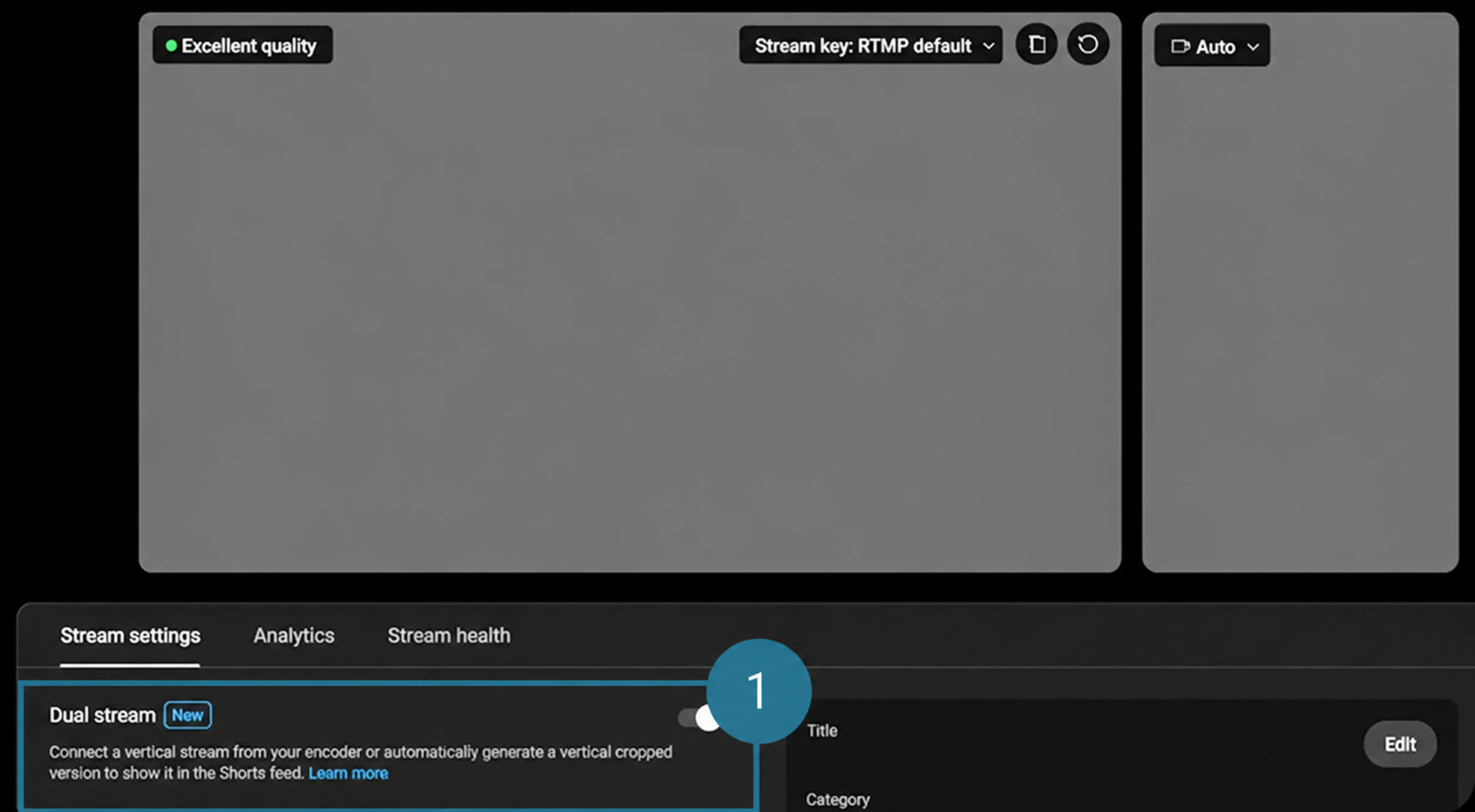

Level up your stream with an encoder, which gives you more customization and control over your stream than a simple mobile or webcam stream. Learn more here.
PRO TIP
If you’re planning on using copyright protected music during your live stream, we recommend coordinating with your label or distributor to avoid any issues, like copyright strikes. Learn more here.
Live Redirect
Live Redirect allows a channel to seamlessly direct a live audience to another live stream or Premiere before it starts.
-
YOUR LIVE STREAM
For example, fans tune in to your live stream. -
LIVE REDIRECT
When the live stream ends, Live Redirect takes fans to your Premiere. -
YOUR PREMIERE
Fans automatically land on the Premiere landing page and a countdown will start.
Connect as many live experiences as you’d like, including:
- Live stream → Premiere
- Premiere → Live stream
- Live stream → Premiere
- Live stream → Live stream
Premieres
Premieres allow you and fans to watch your music video together in real time with a live chat as soon as it’s out.
How to set up a Premiere
Upload music video → Schedule desired time → Select “Set as Premiere”
Make Your Premiere a Full Fan Event
- Set a Trailer
- Use a Countdown Theme
- Pin a message in the Live Chat. The Live Chat is available once a Premiere is set up. Use the space to build hype for the event and engage with fans during the Premiere.
- Tag merch. Bring your merch stand to your music video Premiere. Take it a step further, and add exclusivity to your event by tagging limited stock or unique merch, only sold during your music video Premiere.
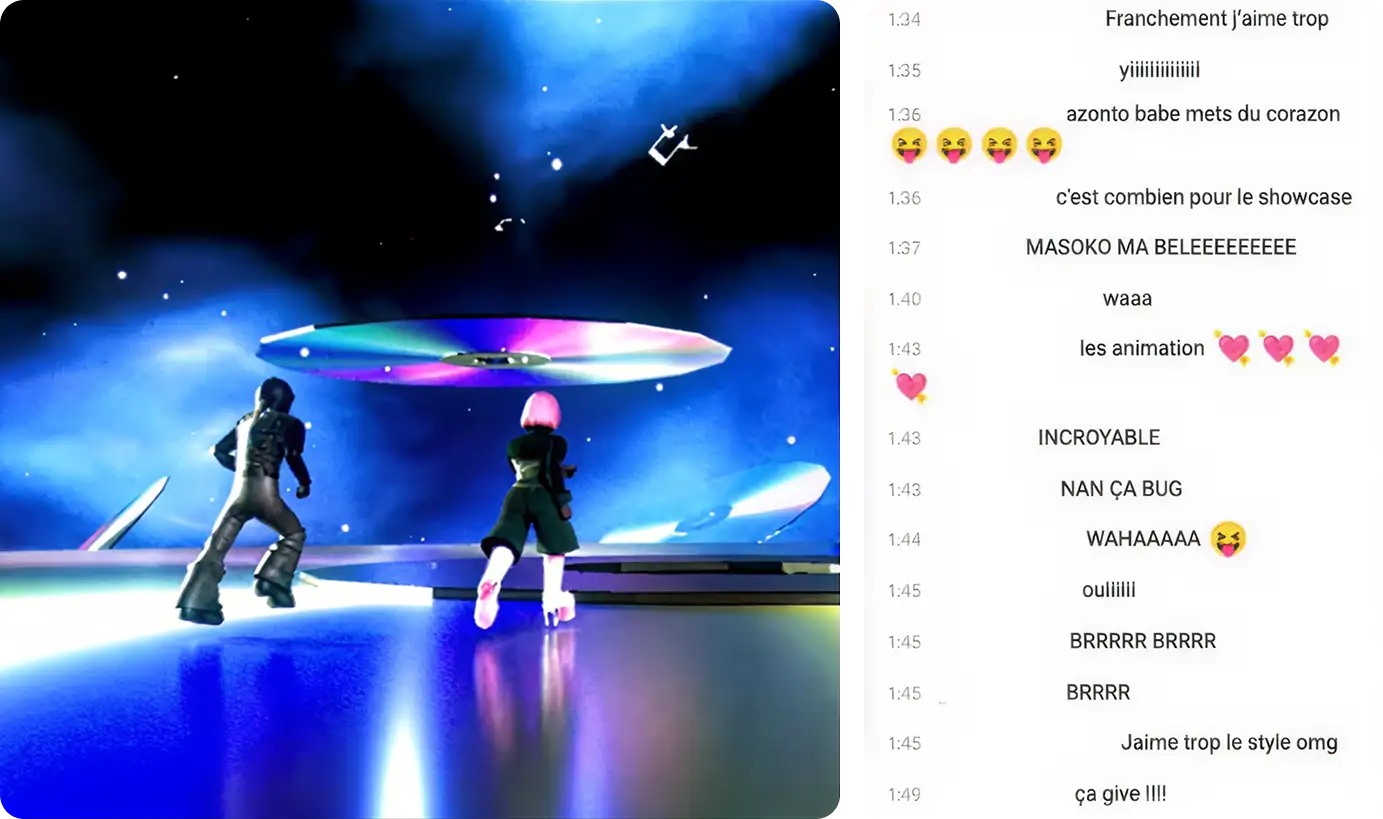
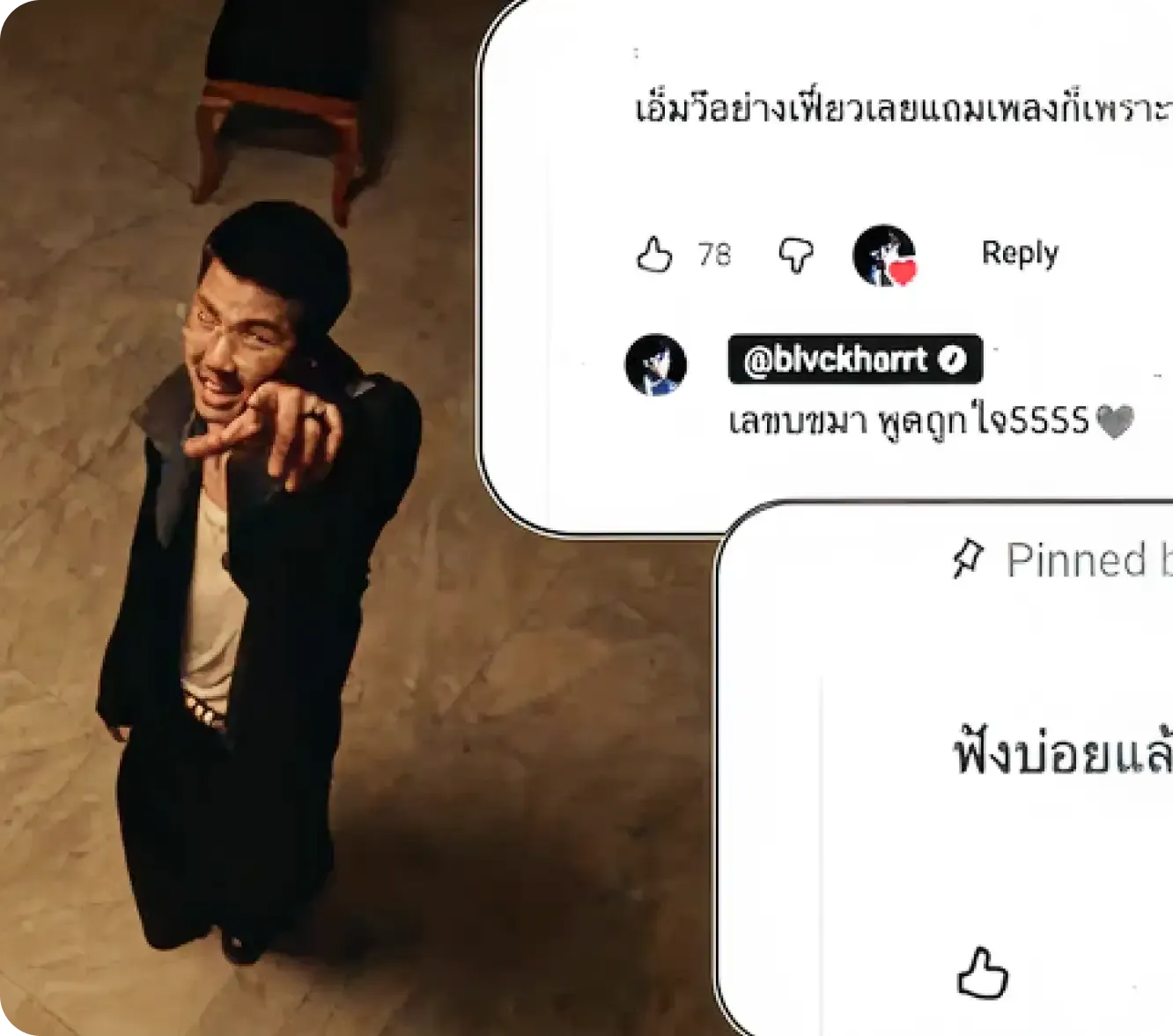
THEODORA’s “MASOKO NA MABELE” video Premiere provided a space for fans to express their excitement for
the new music and visuals.
Make Sales with YouTube Shopping
Learn how to connect your online store to your channel here.
Ready to take your live streams to the next level?
Add these steps in addition to the Live Quick-Start Guide:
Pre-Release
- Set a Premiere for your new music video or upload.
- Add a thumbnail to your live stream.
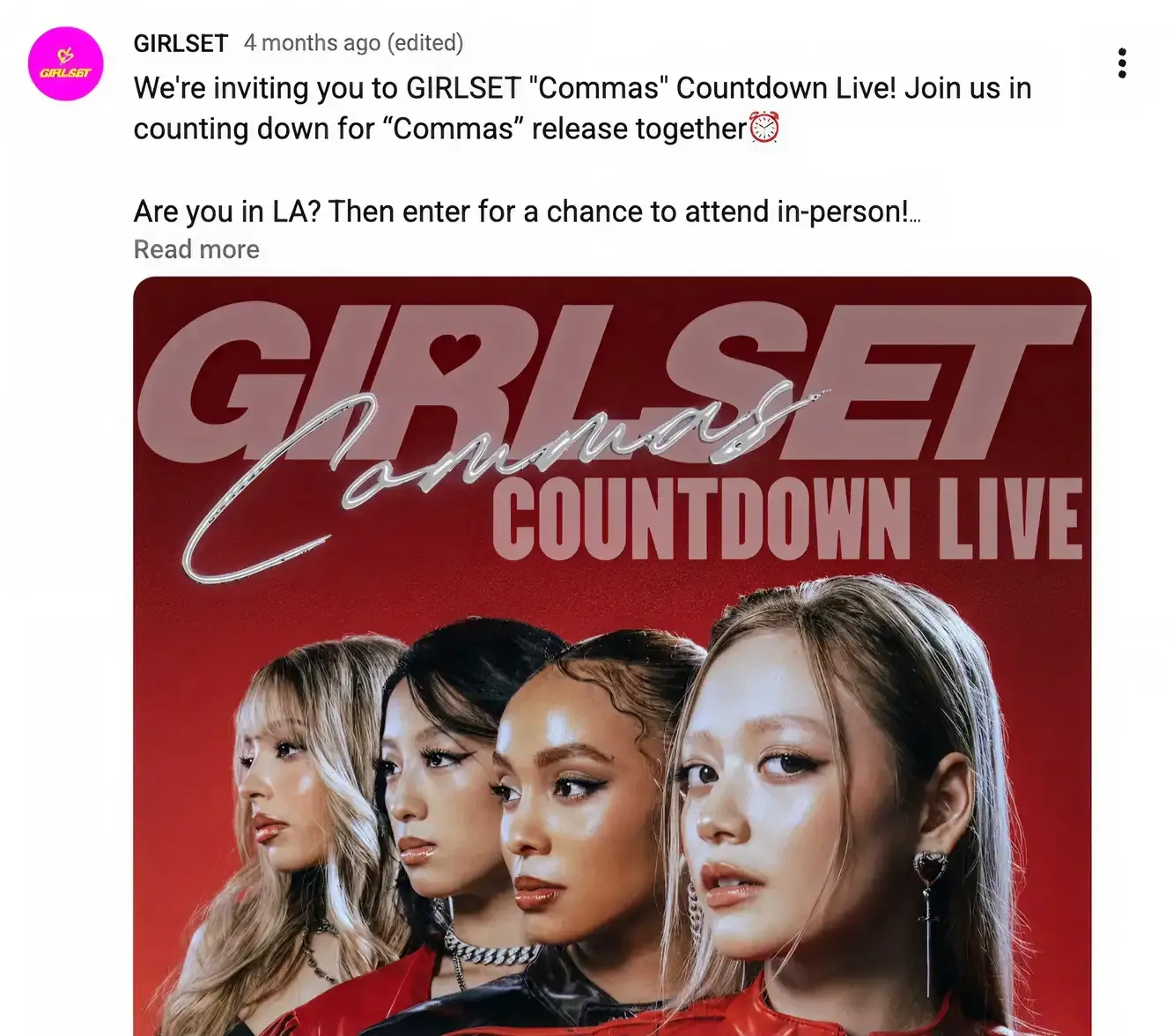
- Promote your Premiere or Afterparty across socials to gather your entire fanbase on YouTube
Release Day
- Remind fans of your live stream or Premiere in a post and on socials
- Upload a Short right before a live stream so fans in the Shorts feed can tap to tune in from the live ring when you’re streaming.
- Plan unique, compelling and interactive activities to make your stream feel like a true event for fans.
Post-Release
- Upload Shorts with highlights from your live stream. Link the past stream as a related video.
- If your stream featured another artist or creator, add a collaboration when you make the past stream available on-demand video to broaden its reach across a combined audience.
- Continue to interact with fan comments from your live stream or music video Premiere.

Other occasions to go live include, but are not limited to: Major festivals, release events, key performances, anniversaries, holidays, birthdays, casual check ins and conversations, etc.
Other Live Strategies
Stream in 4K
Optimize for TV screens for a seamless, quality live experience.
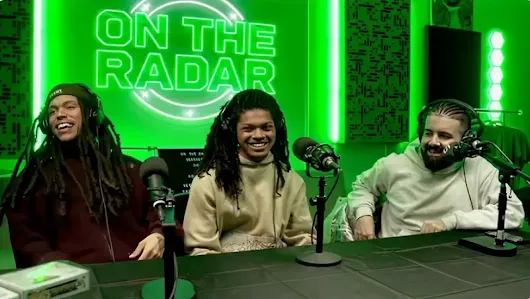
Link to Youtube Video (visible only when JS is disabled)
Stream consistently
Create a consistent streaming schedule to foster familiarity and keep fans coming back.