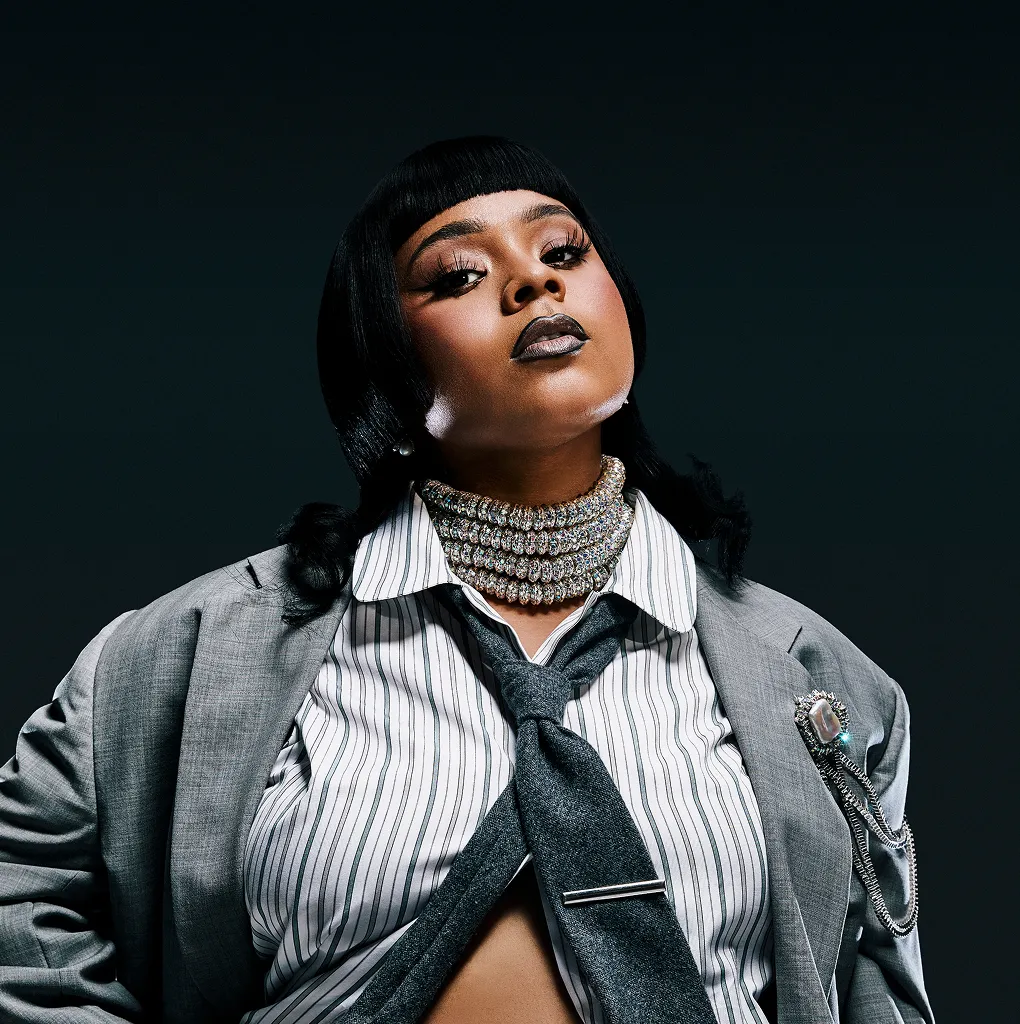
YouTube For Music Publishers & Rights Organizations
Getting Started
More than just a release hub, your YouTube channel is a dynamic visual discography—an immersive destination that showcases your roster or clients to the industry. You can also use your channel to highlight new signings, catalog highlights, creative milestones and showcases your organization’s evolving body of work
Step 1: Get Your Channel Up And Running
Use this checklist to transform your channel into a dynamic digital portfolio showcasing your discography and catalog.
-
Create your YouTube Channel: Follow the How To Build Your OAC guide.
-
Enable Brand Account: Set up as a Brand Account so multiple team members can manage the channel via their own emails.
-
Explore The YouTube Partner Program: YouTube can help you earn revenue. When you’re part of the YouTube Partner Program, you will be eligible to tap into multiple revenue streams (as long as they are available in your country and you meet the criteria)
-
Understand Monetization: For your videos to be eligible for monetization, you must own all the rights to commercially use all visual and audio elements. Review our content strategies for inspiration on what those videos could be.

PRO TIP:
A regularly maintained channel functions as an interactive industry one-sheet, making it easier for your team to secure sync placements, writing sessions, cuts, and external creative collaborations for your roster.
Step 2: Build Your Visual Discography
Organize your channel home page using Sections and Playlists to showcase your catalog and roster to fans and the industry.
Playlists
Get creative with playlists to celebrate roster milestones, and showcase the full depth of your catalog.
Some examples include:
You can also further customize your channel using Sections to help organize your content to showcase your roster, members, clients, or affiliates to the industry.
Some examples include:
- Your Roster or Members — Directly highlighting the individual YouTube channels of the talent you represent.
- Sub-Publishers — Showcasing structural and international partners.
- Related Organizations & Trade Bodies — Mapping out your wider professional network.
Pro Tip:
You do not have to upload original video files to build your visual discography. You can seamlessly curate any existing video or official music video from across the entire YouTube platform into your custom playlists.
Explore Some Key Playlists

BMI
Warner Chappell
BMG Black Book
APRA AMCOS

UMPG
Sections
Here are some ways music publishers and rights organizations have used sections to keep their roster and catalog front and center.
Some examples include:
-
Roster Spotlight
feature the personal YouTube channels of the songwriters, producers, and artists you represent.
-
Sub-Publishing Network
highlight your global infrastructure and regional publishing alliances.
-
Trade Bodies & Advocacy
highlight your wider set of industry affiliations and partnerships.